How To Avoid Fake Voucher Codes
A practical step-by-step guide to how to avoid fake voucher codes, including preparation, instructions, common issues, tips, and next steps.
How To Avoid Fake Voucher Codes
Finding a great voucher code can feel like a victory, but the internet is littered with fake, expired, and misleading offers that waste your time and can even pose a security risk. This guide helps you navigate the world of online discounts safely. We'll show you how to identify trustworthy sources, scrutinise the details of a code, and apply it correctly, ensuring you get the savings you were promised without any nasty surprises. Cut costs with confidence by learning how to spot the duds before you get to the checkout.
Fast Answer
- Source carefully: Stick to the retailer's official website, their newsletter, and major, reputable UK voucher code portals.
- Read the T&Cs: Always check the expiry date, minimum spend, and product exclusions before you shop.
- Trust your gut: If a deal seems too good to be true (e.g., 90% off a new games console), it is almost certainly fake.
- Test before paying: The only real proof is entering the code at the basket stage, well before you provide any payment details.
Before You Start
- A secure internet connection: Avoid using public Wi-Fi for online shopping to protect your personal information.
- An up-to-date web browser: Modern browsers have built-in security features that can help flag suspicious websites.
- A healthy dose of scepticism: This is your most important tool. Approach every amazing-sounding offer with caution.
- The official retailer's web address: Know the correct URL for the store you want to buy from to avoid being redirected to a copycat site.
Step-by-Step Instructions
Source Your Codes from Reputable Places
The origin of a voucher code is the single biggest indicator of its legitimacy. Fake codes thrive in the unmoderated corners of the internet. To stay safe and save time, you should operate with a clear hierarchy of trust. Your first and best source is always the retailer itself. Check the homepage for banners, look for a "Deals" or "Offers" section, and most importantly, sign up for their official email newsletter. Brands use newsletters to send exclusive codes directly to loyal customers.
Your second-best source is a large, well-established voucher code website. These portals, often recommended by consumer champions like MoneySavingExpert, have teams that verify codes and rely on community feedback. While not infallible, their success depends on their reputation, so they have a strong incentive to remove fake listings. Be wary of smaller, unknown sites that appear high in search results with unbelievable offers. Finally, check the brand's official social media pages, as they sometimes post short-lived "flash" discount codes there.
Scrutinise the Code's Details and Format
Once you have a code, take a moment to look at it. Genuine voucher codes typically follow a logical pattern. They are often descriptive, such as WELCOME15 for new customers, FREEDEL for free delivery, or SUMMER20 for a seasonal sale. While some codes are a random string of characters (often for single-use offers), they are rarely nonsensical or filled with typos. A code like "GET95PERCENTOFFEVERYTHINGNOW" is a major red flag.
The scale of the discount is another crucial clue. A 10% or 20% discount is common. A 75% or 90% discount on full-priced, new-season stock from a major brand is exceptionally rare. If you see an offer that seems wildly generous, it's designed to lure you into a false sense of urgency, potentially leading you to a phishing site. Always cross-reference the offer. If a site claims to have a 50% off code for John Lewis, but you can't see any mention of this promotion on the official John Lewis website, the code is almost certainly fake.
Read the Terms and Conditions (T&Cs) Carefully
This is where most people get tripped up. A perfectly valid code can fail to work if your shopping basket doesn't meet the specific conditions set by the retailer. This can make you think the code is fake, when in fact the issue is with your order. Before you even start adding items to your cart, read the full T&Cs associated with the code. Look for an asterisk (*) or a "details" link next to the offer.
Common restrictions you must check for include:
- Expiry Date: The most obvious one. Codes are almost always time-limited.
- Minimum Spend: You may need to spend, for example, £50 to get a £10 discount.
- Exclusions: Most codes do not apply to items already on sale, gift cards, or certain premium brands the retailer stocks.
- Customer Type: Is the code for "new customers only"? If you've ordered before, it won't work.
- Category Specific: The discount might only apply to "womenswear" or "home electricals."
Understanding these rules is central to our philosophy of "shop with context." Knowing the limitations upfront saves you from disappointment at the checkout and helps you build a basket that the discount will actually apply to.
Beware of Phishing and Malware Traps
The most dangerous fake vouchers aren't just a waste of time; they are bait. Scammers create convincing-looking websites offering irresistible discounts for one reason: to trick you. They might want you to click a link that installs malware, or they may try to harvest your personal information. Be extremely vigilant for any site that asks you to do something unusual to get a code.
Red flags that signal a dangerous site include:
- Asking you to download software: Never download a "shopping assistant," "deal finder toolbar," or any other program to access a voucher. This is a classic method for distributing adware and spyware.
- Forcing you to complete a survey: If a site demands you fill out a long survey with personal details to "unlock" your code, close the page immediately. They are likely selling your data.
- Redirecting you to a fake checkout: The most sophisticated scams use a fake URL that looks very similar to the real retailer (e.g., "marks-and-spencer-deals.co.uk" instead of the official "marksandspencer.com"). They hope you'll enter your credit card details on their fraudulent page.
Test the Code at the Right Time and Place
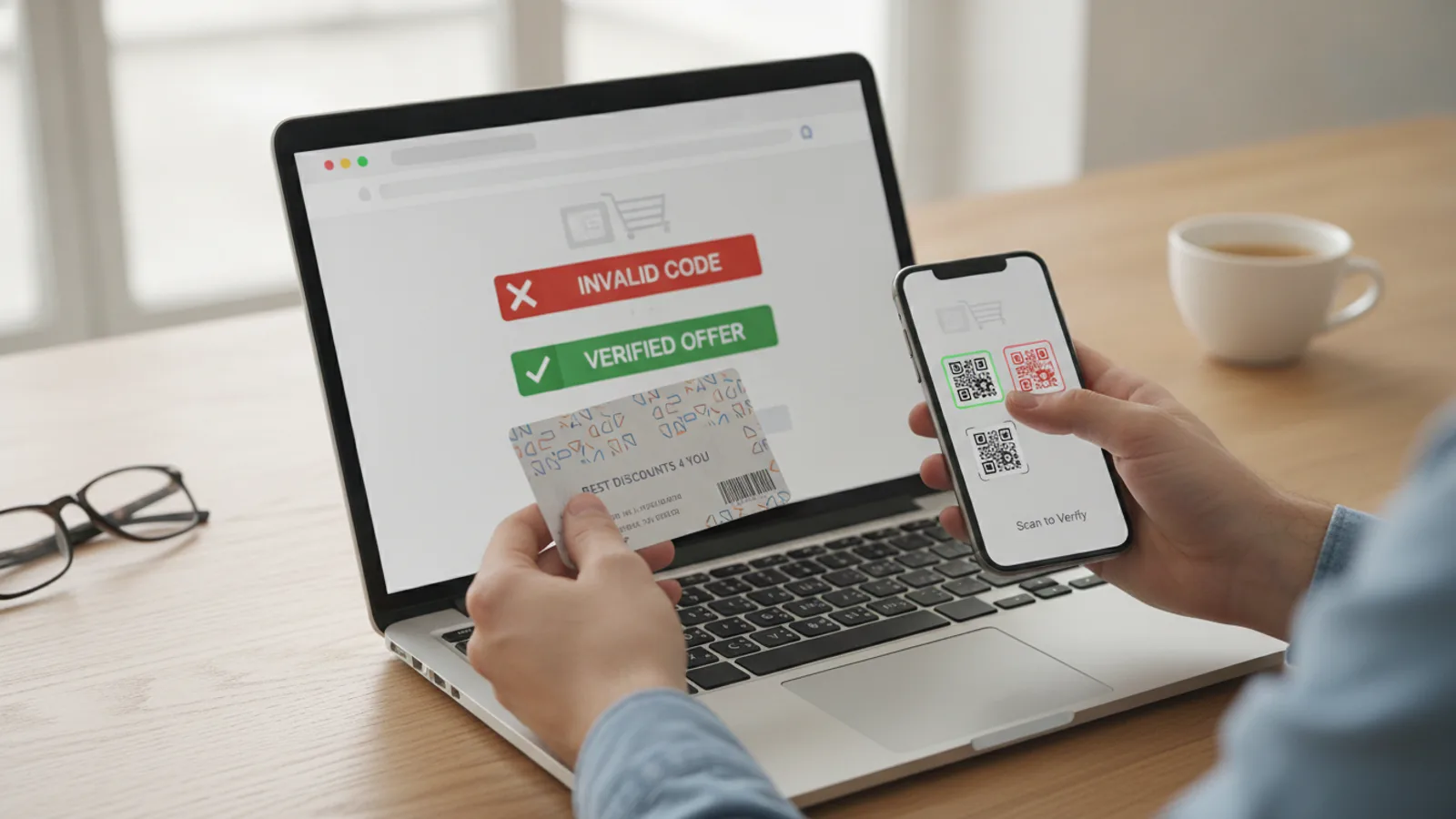
The only 100% reliable way to know if a code is valid is to test it on the official retailer's website. After you have added items to your basket and are satisfied that they meet the T&Cs, proceed to the basket or checkout page. Look for a field labelled "Promo Code," "Discount Code," "Voucher Code," or similar. It's usually a simple text box.
Carefully type or paste your code into this box and click "Apply" or "Submit." Crucially, you must do this before you enter any payment information. This is your final, risk-free verification step. If the code is valid and your order qualifies, you will see the discount immediately deducted from your total bill. The page will refresh, and the final price will be lower. If the code is invalid or expired, the site will display an error message, such as "This code is not valid." At this point, no harm is done. You can simply look for another code or proceed with the purchase at the original price.
Quick Reference
| Situation | Use this | Why |
|---|---|---|
| You see an 80% off code for a new iPhone on a pop-up ad. | Close the ad immediately. | This type of offer is always fake and is bait for a phishing attack or malware installation. |
| A code from a major voucher portal isn't working. | Re-read the T&Cs on the voucher site. | Your basket probably contains an excluded item (like a sale product) or hasn't met the minimum spend. |
| A website asks you to download software to get discounts. | Leave the site. Do not download anything. | This is a very common method for distributing unwanted and potentially harmful software (adware/spyware). |
| You receive a discount code in an unexpected email from a brand. | Do not click links. Go to the brand's official site manually. | It could be a phishing email. Verify the offer exists by visiting the site directly instead of through the email. |
Common Problems When Searching for Voucher Codes
Problem: The code is rejected, but it looks legitimate.
Solution: This is almost always a T&Cs mismatch. The most common culprit is having sale items in your basket, as most general discount codes apply only to full-priced products. Other potential issues are that the code is for new customers only and you've shopped there before, or you haven't hit the minimum spend requirement. Review the terms and adjust your basket accordingly.
Problem: I can't find the voucher code box at checkout.
Solution: Some retailers make it less obvious. Don't panic. Carefully scan the entire basket and checkout page for links like "Have a promotional code?", "Add discount," or "Enter offer code." Sometimes it's a small, collapsed link that you need to click to reveal the input box. In some cases, it only appears on the final payment confirmation screen, just before you click "Pay Now."
Problem: Every code I find seems to be expired.
Solution: This is a frustrating but common experience, especially when searching on third-party sites. Voucher codes have a high turnover. The most reliable way to get fresh, working codes is to sign up for the brand's newsletter. For more immediate results, time your search. Many new codes are released at the beginning of a month, around public holidays, or during major seasonal sales events.
Advanced Tips for Finding Legitimate Discounts
Once you've mastered the basics of spotting fakes, you can use a few clever tactics to secure reliable discounts.
- The Abandoned Cart Method: This is a classic for a reason. Add items to your shopping basket, proceed to the checkout, and enter your email address when prompted, but don't complete the purchase. Close the browser tab. Many automated e-commerce systems will send you a follow-up email within 24-48 hours, often containing a small discount code (e.g., 10% off or free delivery) to entice you back to finish the order.
- Look for Specific Affiliation Discounts: Don't just search for general codes. Check if the retailer offers specific discounts for groups you belong to. Services like UNiDAYS and Student Beans provide codes for students, while the Blue Light Card offers discounts for NHS and emergency services staff. These codes are highly reliable.
- Use Trusted Browser Extensions Cautiously: Some browser extensions, like Honey or Pouch, automate the process of finding and testing codes at checkout. However, you must be extremely careful about which extensions you install, as malicious ones can track your browsing and steal data. Stick only to extensions with a long-standing, excellent reputation and millions of users. Research them thoroughly before installing.
How To Avoid Fake Voucher Codes FAQ
Are voucher code websites safe?
The large, well-known UK voucher code portals are generally safe to browse. They have a vested interest in maintaining user trust. However, they are not perfect and often contain expired or user-submitted codes that don't work. The real danger comes from smaller, unknown sites that use fake offers as a lure. Stick to the big, reputable names.
Can a fake voucher code give my computer a virus?
The code itself—the string of text like 'SAVE10'—is harmless. The danger lies in the source of the code. A malicious website offering a fake code can try to trick you into clicking a link that downloads a virus, or it could redirect you to a phishing page designed to steal your passwords or credit card information. Always focus on the safety of the website you are on.
Why do so many expired codes stay online?
This is a major source of frustration for shoppers. Third-party voucher websites often struggle to keep up with the constant stream of new and expiring offers from thousands of retailers. While some have automated systems, many rely on user feedback to remove old codes. Unfortunately, this means expired codes can linger for days or weeks after they've stopped working, cluttering up search results.
What's the difference between a voucher code and a cashback offer?
A voucher code provides an instant discount at the point of sale. You enter the code, and the price you pay is immediately reduced. A cashback offer requires you to pay the full price upfront. You click through a special link from a cashback website (like TopCashback or Quidco), and after your purchase is verified, a percentage of your spend is added to your cashback account, which you can withdraw later. Both are legitimate ways to save money, but they work differently.
Final Checklist for Avoiding Fake Voucher Codes
- Source Check: Is the code from the retailer's official site, newsletter, or a major, reputable voucher portal?
- Reality Check: Does the discount seem plausible for the brand and product? Or is it too good to be true?
- T&Cs Check: Have I read the full terms, including the expiry date, minimum spend, and any product or sale exclusions?
- Basket Check: Does my current shopping basket meet all the conditions required by the voucher code?
- Security Check: Am I on the official retailer's secure website (look for HTTPS and the padlock icon) and not a copycat?
- Final Check: Have I applied the code and seen the discount successfully deducted before I enter my payment details?